What Is a Brand Kit for AI Search And Why It Comes First
Before your AI agents write a single word, they need to know who they're writing for. Here's what a Brand Kit and Knowledge Base do and how to set both up.
On this page
On this page
Most marketing teams that start using AI tools make the same mistake in the first week.
They open the platform, connect their website, and immediately start running queries or generating content. The outputs come back generic. The brand voice is off. The topics are too broad. The competitor comparisons reference companies that have nothing to do with their actual competitive landscape. The content the agents produce could have been written for any company in any industry.
The problem is that the AI was never told who it was working for.
This is what a Brand Kit solves. And it is the reason Lantern requires teams to set one up before any agent runs a single workflow.
Key Takeaways
- A Brand Kit is a structured briefing document that tells every Lantern agent who your brand is, what it sounds like, who it is writing for, and what topics it needs to own it must be configured before any agent workflow runs
- A Brand Kit contains five components: brand identity, brand voice, content topics, competitors, and tracking prompts each one directly shapes agent output quality
- Lantern auto-generates a starter Brand Kit from your website, providing a working starting point in minutes this should be reviewed and refined before running production workflows
- A Knowledge Base is the institutional memory layer that prevents agents from duplicating content your team has already produced and ensures every new piece connects to your existing content ecosystem
- Knowledge Bases can contain uploaded files and indexed web pages URL-based indexing keeps the library current automatically as you publish new content
- Agents search the Knowledge Base at the research stage of every content workflow, identifying existing related content, internal linking opportunities, and proprietary data to incorporate
What a Brand Kit Is
A Brand Kit in Lantern is a centralized profile that tells every agent, every workflow, and every piece of content who your brand is, what it stands for, who it serves, and what it aims to achieve.
It acts as a structured briefing document that AI agents can reference as they work.
When Lantern’s Monitor Agent reviews brand visibility and identifies areas for further research, it can use the Brand Kit as context. This shared context helps keep agent workflows aligned with your company’s positioning and marketing goals.
What a Brand Kit Contains
A Lantern Brand Kit has five components. Each one serves a specific function in guiding agent behavior.
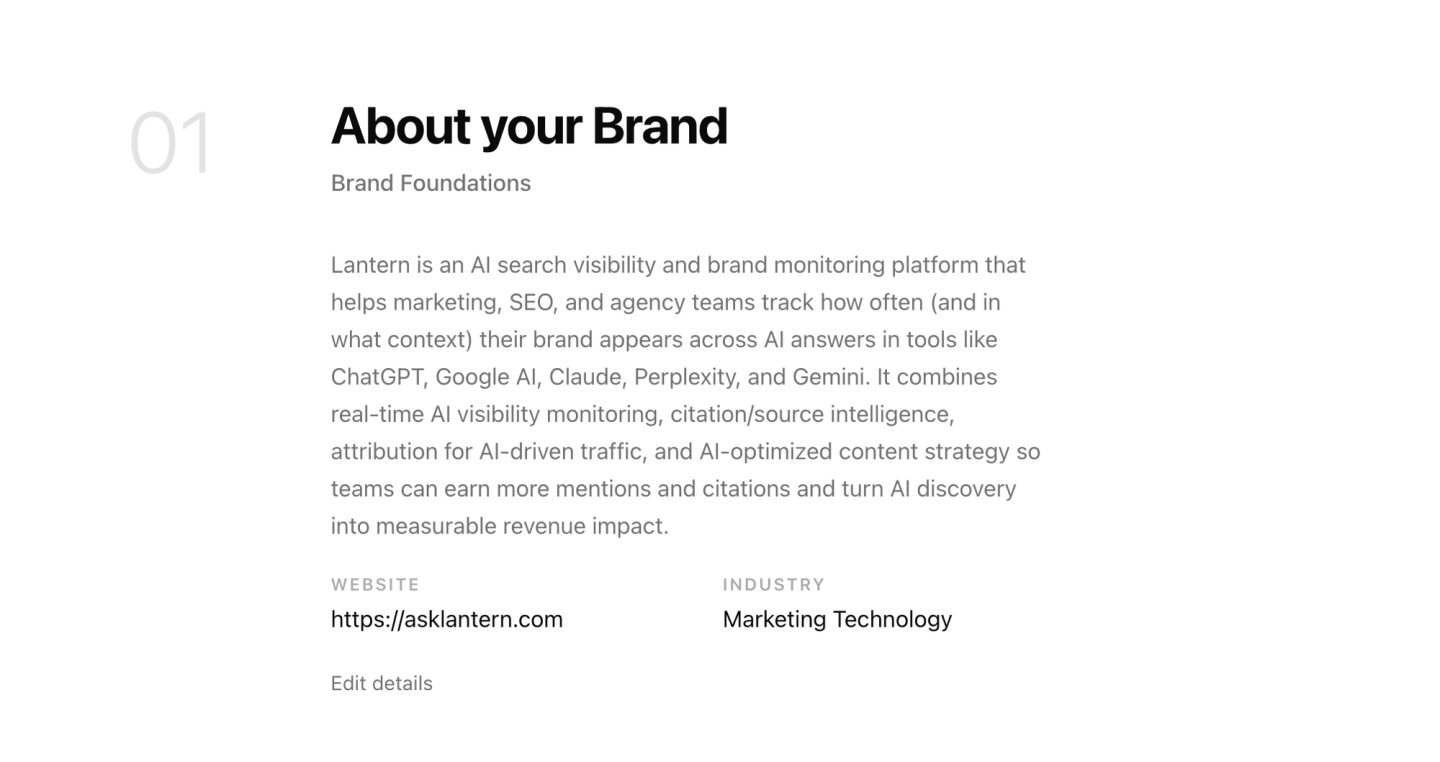
Brand identity. Your brand name, website URL, industry, and a description of what your company does. This is the foundation. It tells agents the most basic facts about who they are working for and what category your brand competes in. Without this, agents cannot accurately represent your brand in research, content, or monitoring workflows.
Brand voice. The tone, persona, and communication style your brand uses. This includes the vocabulary your brand favors, the words and phrases it avoids, the formality level of your writing, the type of reader you are writing for, and the unique value proposition that should inform every piece of content. Specific guidance helps agents produce writing that reflects your team’s established communication style.
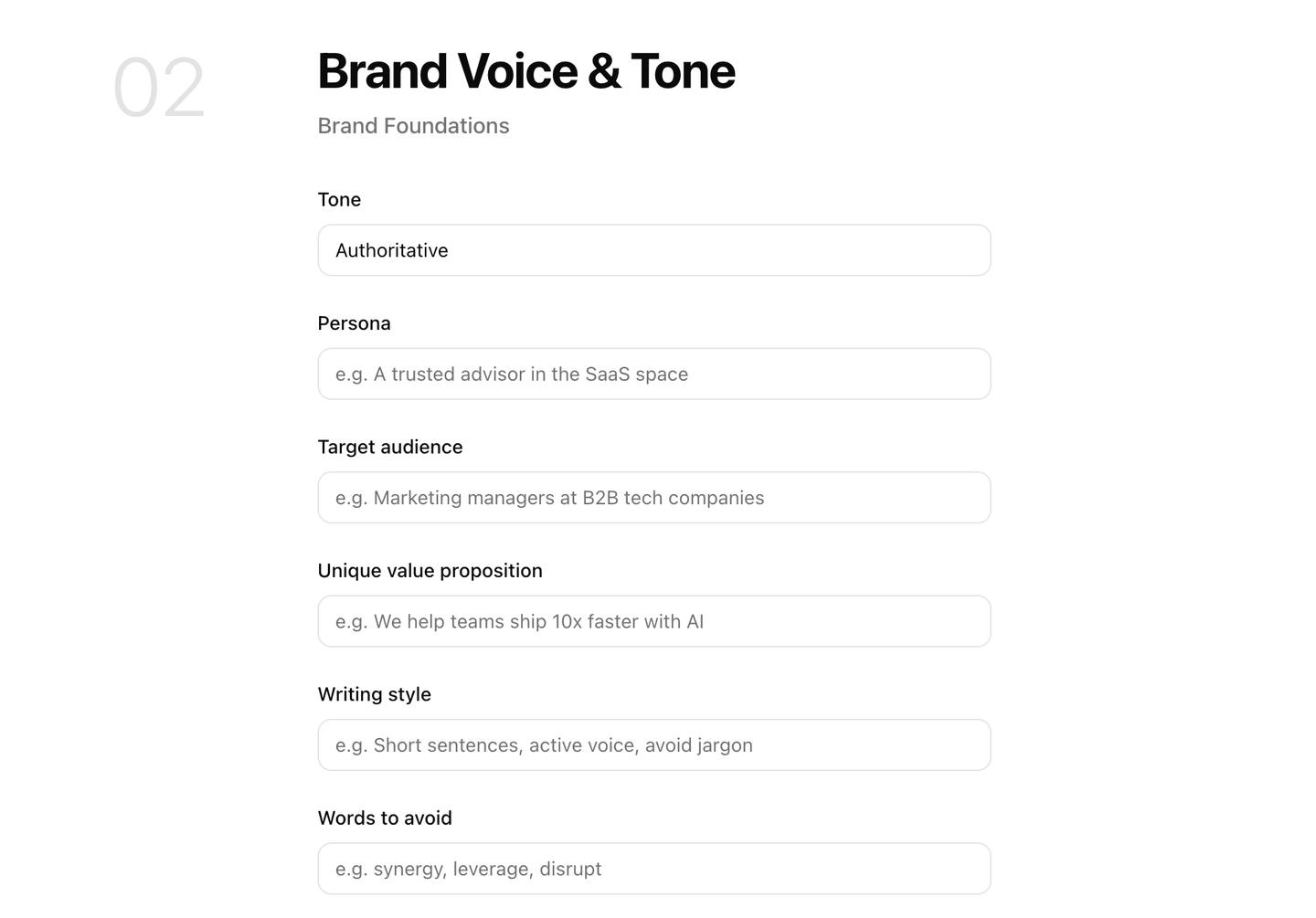
When configuring brand voice, specificity matters more than length. "Professional but approachable, direct rather than formal, written for marketing managers at growth-stage B2B SaaS companies who already understand SEO and want practical guidance on AI search" is more useful to an agent than "professional and clear."
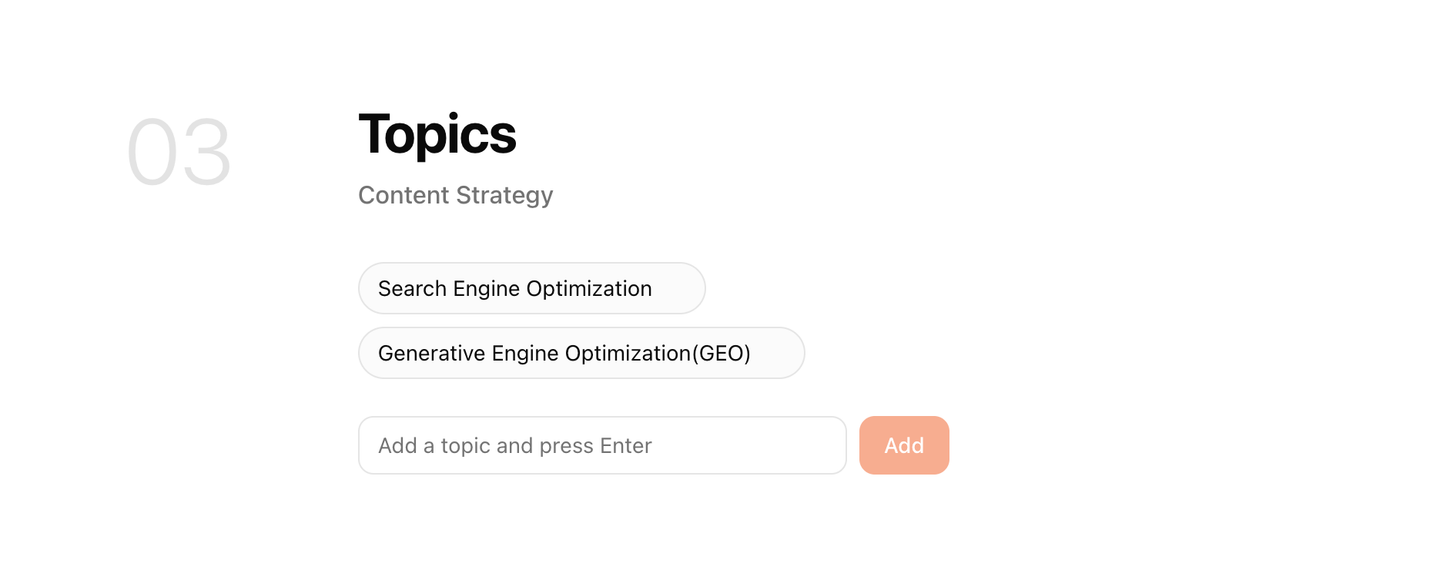
Content topics. The subject areas your brand wants to own in AI search. These are the domains where you want to be cited, the questions your buyers are asking AI engines, and the categories where appearing in AI-generated answers has direct commercial value for your business. Content topics guide both the monitoring prompts Lantern tracks and the content workflows agents run.
A well-defined topic list helps agents focus on content that supports your business goals and addresses the questions your audience cares about.
When Lantern sets up a new Brand Kit, it reads your website and auto-generates a starter set of content topics based on what your site covers. This gives you a working starting point that your team can review and refine to reflect its priorities.
Competitors. The specific brands your buyers evaluate alongside you. Competitor configuration in Lantern helps establish which brands to benchmark against when monitoring AI search visibility. It also gives content agents context for researching competitive comparisons, evaluating positioning, and identifying content gaps.
The competitor list should reflect your actual competitive landscape. Prioritize the companies your buyers genuinely compare when evaluating products or services like yours.
Tracking prompts. The specific queries Lantern monitors across ChatGPT, Perplexity, Gemini, and Claude on your behalf. These are the questions your buyers direct at AI engines, where appearing in an answer may help them discover your brand. The quality of your prompt library shapes the insights Lantern generates about your AI search visibility.
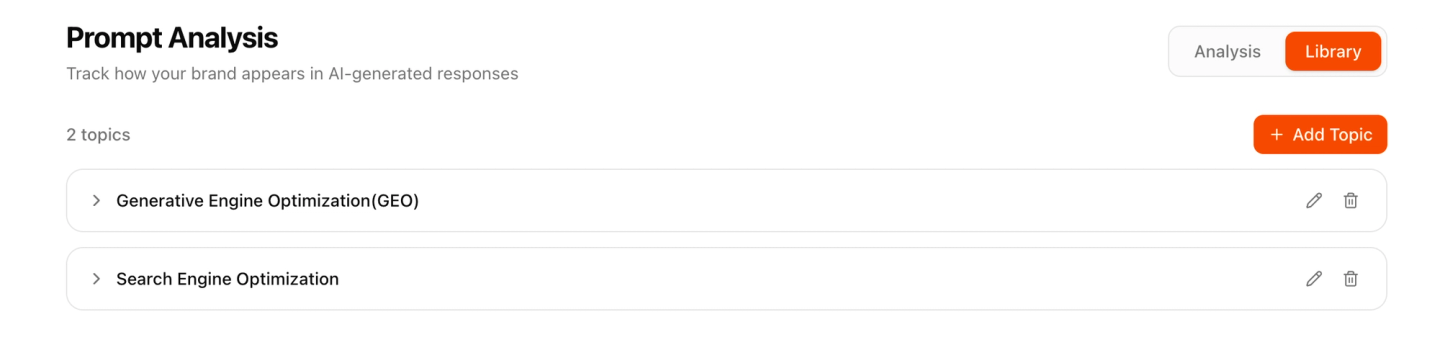
Lantern auto-generates a starter set of tracking prompts from your Brand Kit configuration. As with content topics, these should be reviewed, extended, and refined based on what you know about how your buyers actually research your category.
Why Should the Brand Kit Come Before an Agent Workflow?
Setting up a Brand Kit before running an agent workflow gives the agent context to guide its work from the beginning.
Consider what happens when an agent writes content with general knowledge about your industry and research on the assigned topic. It can produce content that is technically accurate and structurally sound, but the result may not reflect your company’s specific positioning, audience, or communication style.
The Brand Kit brings these details together in one place, giving agents clear guidance on how to communicate, which audience to address, and which topics matter most to your business. Clear brand guidelines also help agents focus on the information that matters, rather than relying on general context alone.
Knowledge Bases: The Brand Kit's Memory Layer
Brand Kit tells agents who your brand is. A Knowledge Base tells agents what your brand has already said.
This distinction is critical and frequently underestimated.
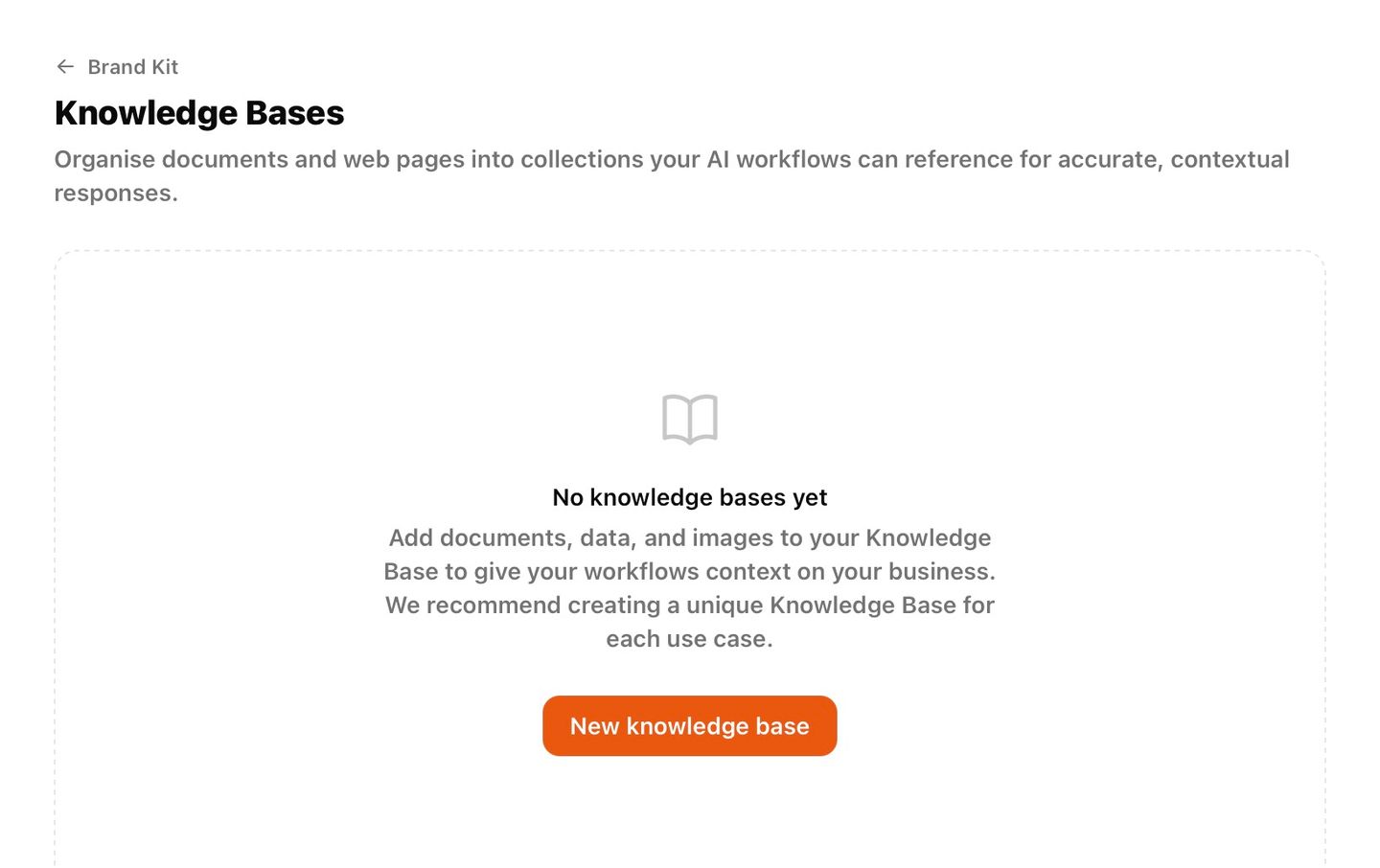
A Knowledge Base in Lantern is a library of your existing content published blog posts, case studies, product documentation, whitepapers, landing pages, recorded webinars, internal guides that agents search automatically during every content creation workflow. It is the institutional memory that prevents agents from producing content your team has already produced.
Without a Knowledge Base, agents are operating with amnesia. They know your brand voice and your content topics, but they have no way to know that you published a comprehensive guide on this exact subject six months ago, that you have three case studies directly relevant to the piece they are about to write, or that the internal linking opportunity most valuable to your SEO program is the one they are about to miss.
With a Knowledge Base, agents can search relevant existing material during content workflows. The agent finds relevant existing content, incorporates it as context, identifies natural internal linking opportunities, and avoids duplicating work your team has already done. The output is not just better it is connected to the existing body of content your brand has built, reinforcing topical authority rather than fragmenting it.
What Goes in a Knowledge Base
A Lantern Knowledge Base can contain two types of content: uploaded files and web pages.
Uploaded files cover content that exists in document form, including PDFs, Word documents, slide decks, transcripts, and research reports. You can upload material your agents should reference when creating new content. This includes internal research, sales enablement materials, competitive analysis documents, and customer interview transcripts that provide useful context.
Web pages are pulled directly from URLs you specify. Rather than downloading and re-uploading your published content, you can point Lantern at specific pages or your blog so the Knowledge Base can index that content. When agents search the Knowledge Base during a workflow, they can reference the indexed content available to them.
How Agents Use the Knowledge Base
The Knowledge Base integration is built into Lantern's content creation workflow at the research stage.
When the Research Agent begins working on a new content piece, it runs a search of your Knowledge Base alongside its external research. It is looking for three things: existing content on the same topic that the new piece should not duplicate, related content that should be referenced or linked to in the new piece, and institutional knowledge data, case studies, customer quotes, proprietary findings that should inform the new piece but is not available through external research.
The outputs of the Knowledge Base search feed directly into the content brief. The Draft Agent sees which existing pieces are related, which should be linked to, and which internal data points are relevant. The result is content that is not just well-written but well-connected integrated into your existing content ecosystem rather than floating in isolation.
For teams that have been publishing content for years, the Knowledge Base integration is one of the highest-leverage configurations available. A large archive of existing content is an asset most teams underutilize because nobody has time to search it before writing something new. The Knowledge Base search agent does that search automatically, on every workflow, in seconds.
How Do You Set Up Your Brand Kit and Knowledge Base?
Lantern’s onboarding helps you configure your Brand Kit and Knowledge Base.
Step 1: Generate your Brand Kit. Enter your website URL so Lantern can read your site and generate starter content topics and other brand information.
Step 2: Review your brand details. Refine your brand voice, confirm your competitors, and adjust your tracking prompts to reflect the topics you want to monitor.
Step 3: Add your existing content. Add relevant website and blog URLs to the Knowledge Base. You can also upload documents your agents should reference.
Step 4: Use the context in your content workflows. The Brand Kit provides brand guidance, while the Knowledge Base stores existing content and resources for agents to reference in supported workflows.
Keep the Knowledge Base updated as you publish new content. Adding new URLs regularly helps build a more comprehensive library of your brand’s content for agents to reference in supported workflows.
Set up your Brand Kit and Knowledge Base in under an half-hour.